
Transcript
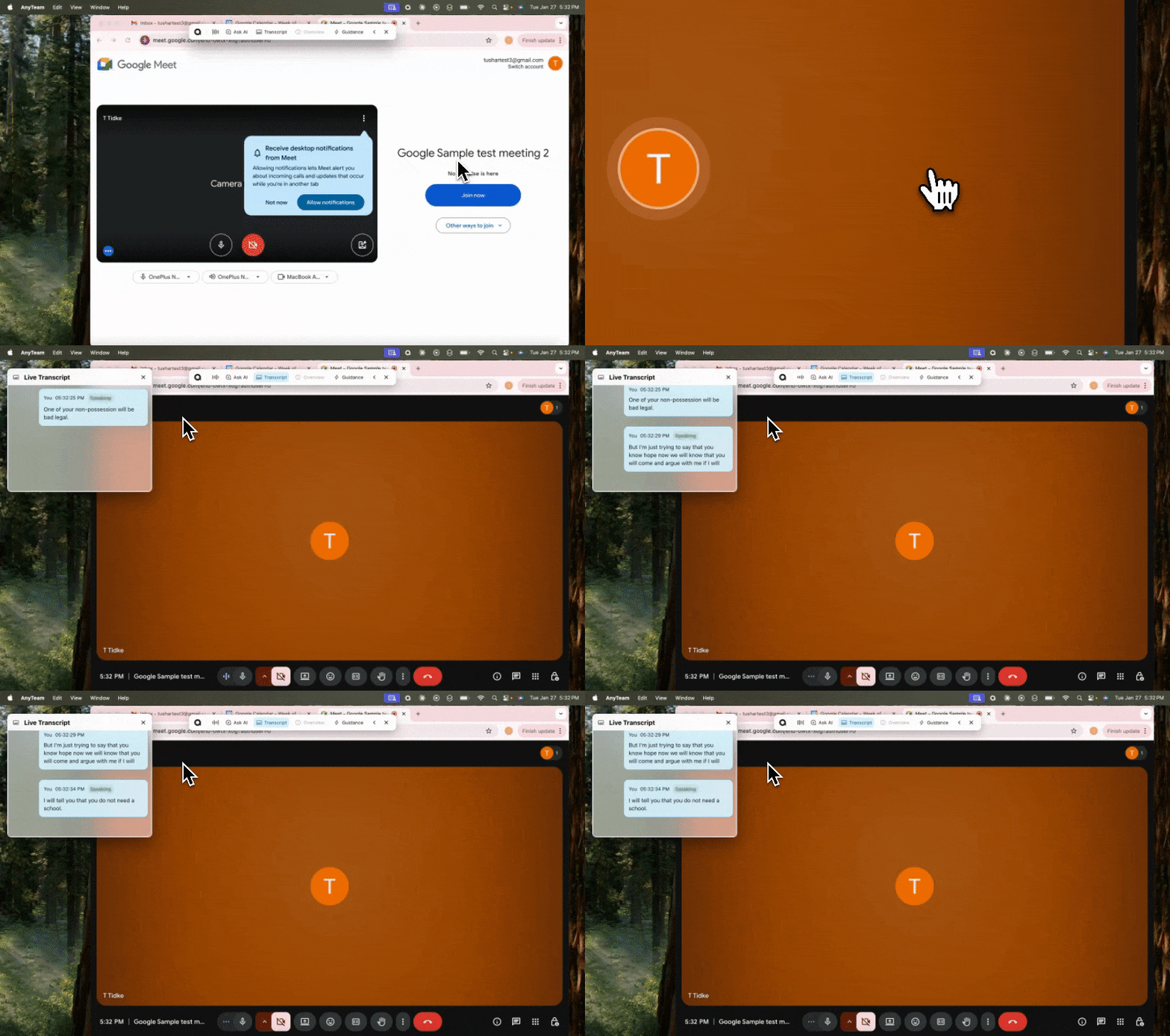
The Transcript shows what's being said in real-time.
What you'll see:
Speaker names (when identifiable)
Timestamped text
Auto-scrolling as new content appears
To pause transcription:
Click Pause on the Meeting Assistant bar.
Transcription stops. The meeting continues but nothing is recorded.
Click Pause again to resume.