Update Your Account Insights
Our system is programmed to update your active accounts with new news daily. You can find these updates in your TLDR home page or in your Account research tab under “Whats New”
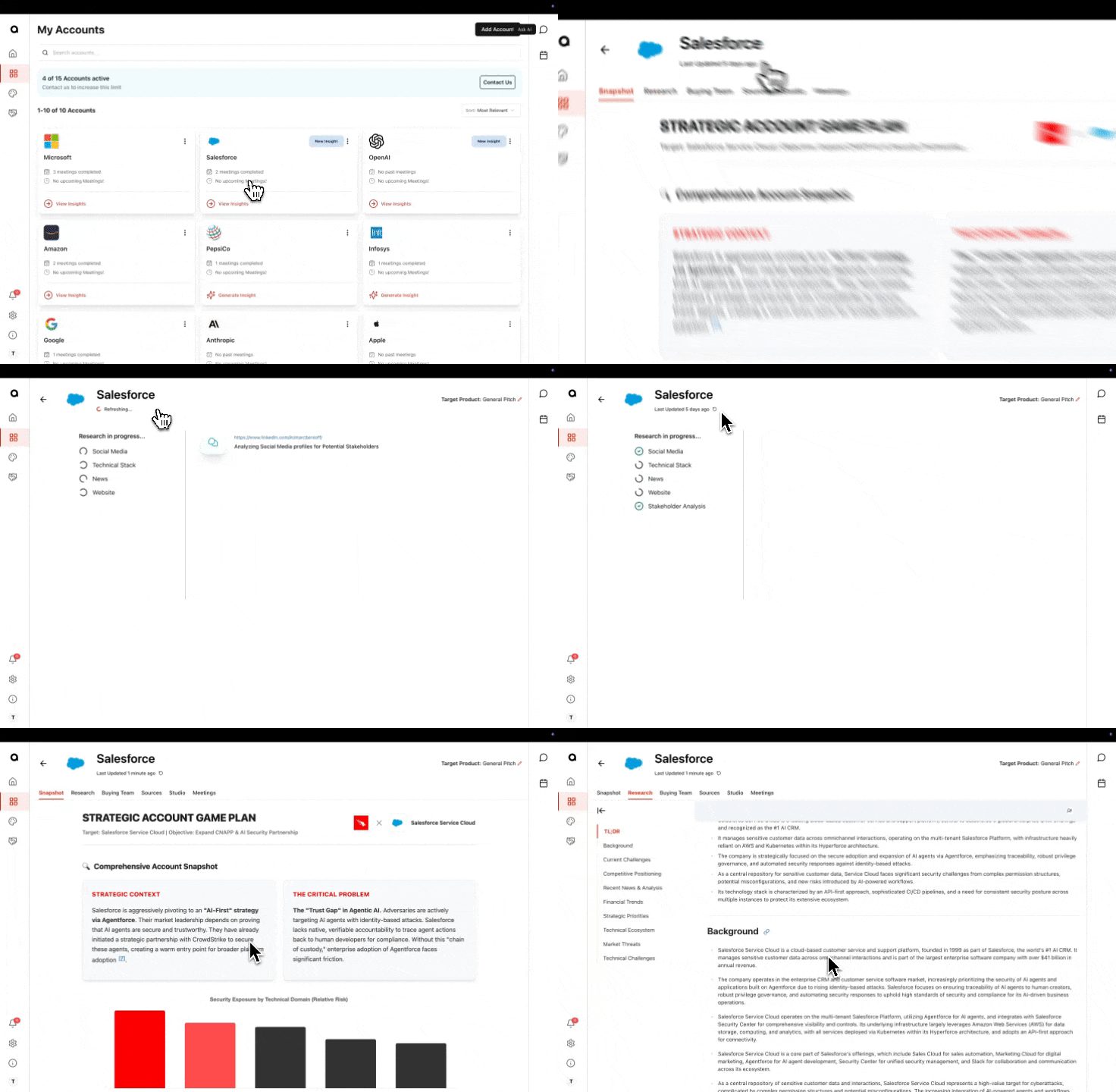
Want updated research and snapshots? You can see when this was last refreshed by account and manually update it.
Go to your accounts page, find your account and press view insights
Look at the top left corner, underneath the account name and logo. You will see a “Last Updated X ago” and a refresh symbol
Press the refresh button and let the account insights regenerate, this may take a few minutes.