
Account Snapshot
The Snapshot tab provides an auto-generated executive summary of the account. It generates automatically when account insights complete - no action needed from you.
Account Header
At the top of the account page, you'll see the account's logo and name. The account logo is clickable- click it to open the company's website directly in your browser. This is a quick way to jump to a customer's site without searching for it.
To view the Snapshot:
Open the account.
Click the Snapshot tab (or it may be the default view).
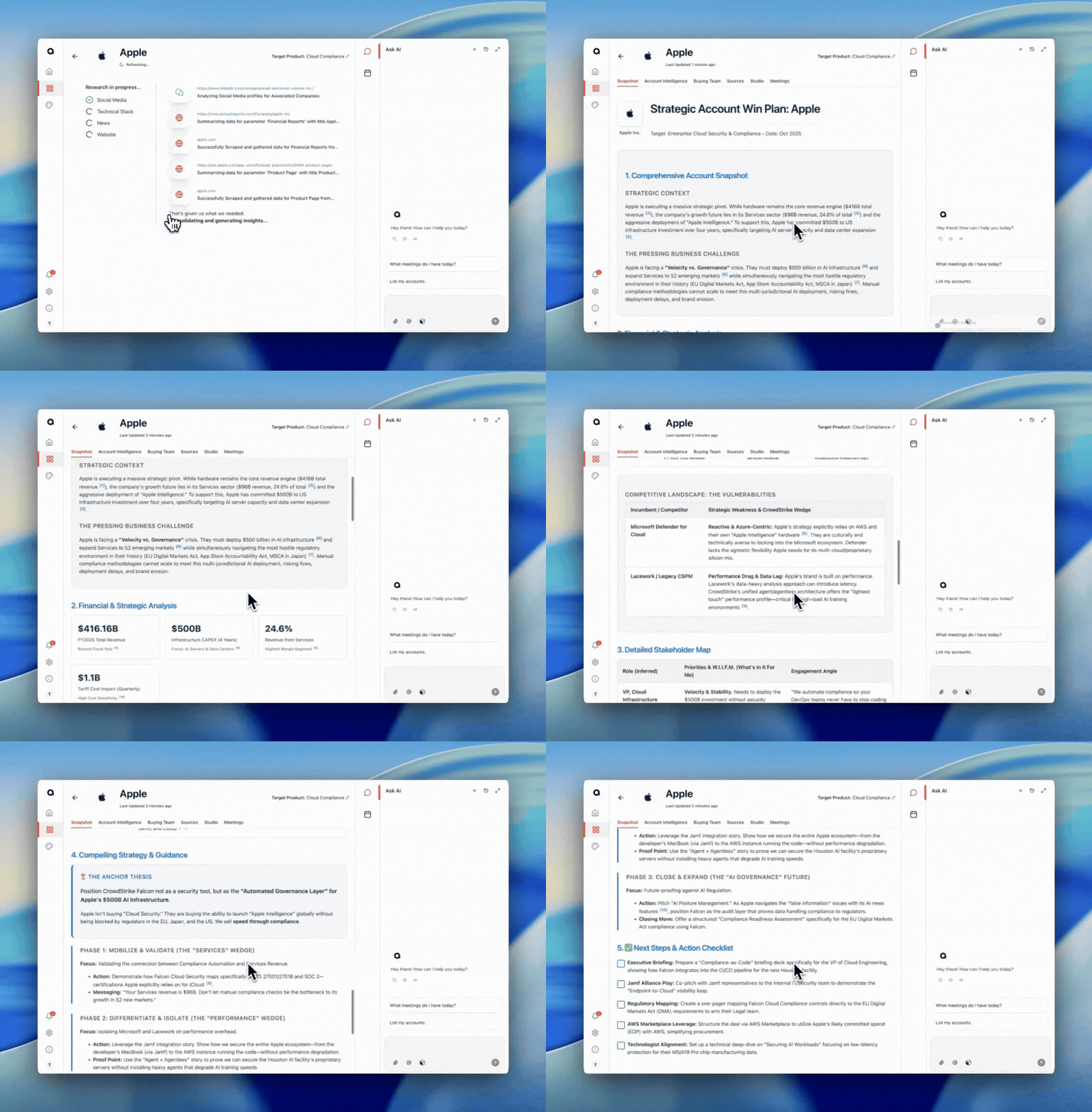
What you'll see:
Comprehensive Account Snapshot
Financial & Strategic Analysis
Detailed Stakeholder Map
Strategic Game Plan
Action Checklist
Links within the snapshot are clickable and open in your browser.