
Account Research
The Research tab contains deep-dive intelligence on the account. Think of this like the account metadata- all of the context and knowledge about the account that's feeding our AI.
Pro Tip: Don’t read the whole thing, instead ask our AI for key summaries, or have our AI read it outloud for you like a podcast on your morning commute.
To view Research:
Open the account.
Click the Research tab.
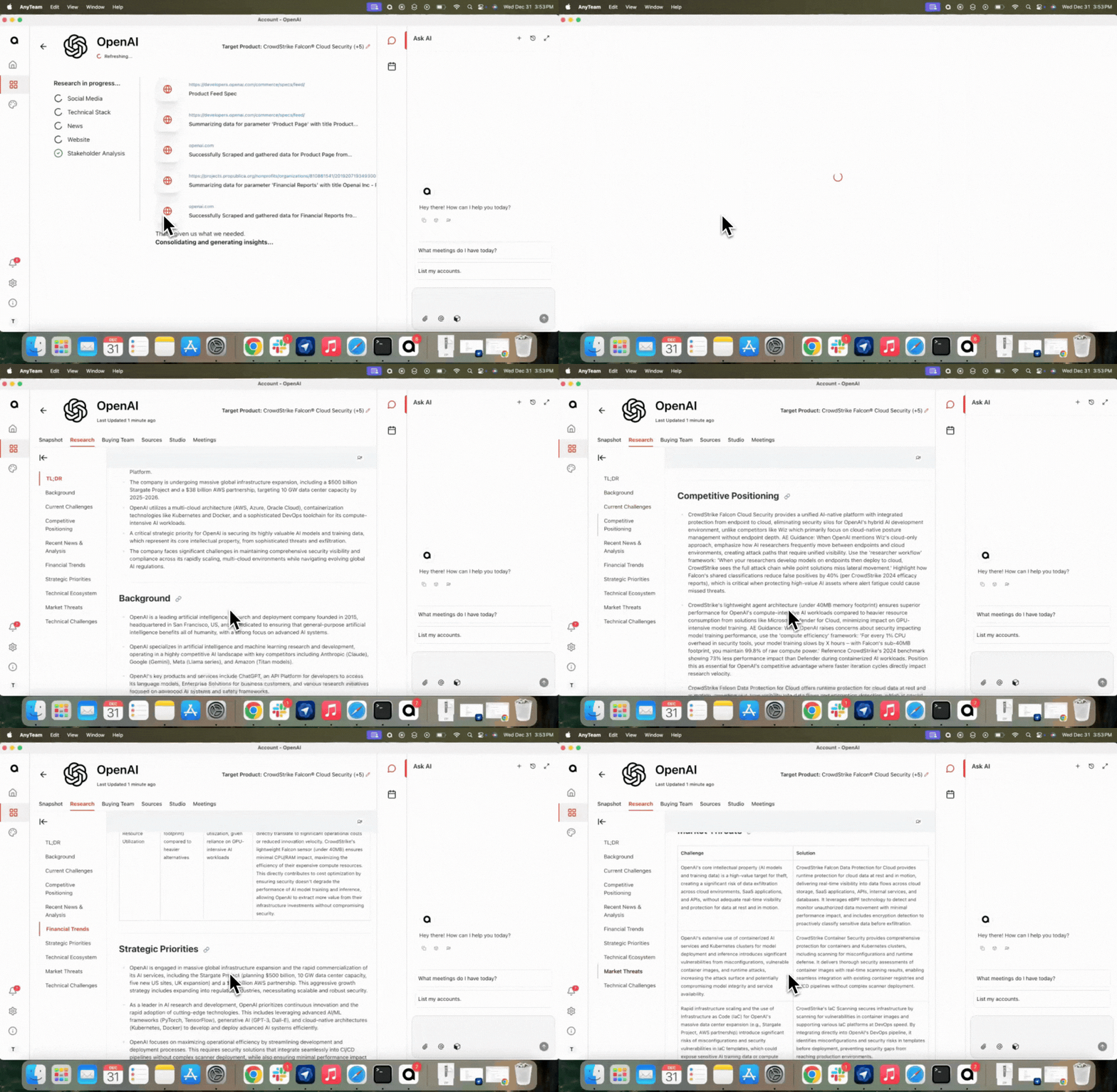
Sections you'll find:
TL;DR
Background
Current Challenges
Competitive Positioning
Recent News & Analysis
Financial Trends
Strategic Priorities
Technical Ecosystem
Market Threats
Technical Challenges
Our Account Research data is sourced from online web scrape as well as our integration with Lead IQ! Find the sources used for each of these sections by hovering over the link (image) icon next to each section header.
To listen to the research:
Click the person/voice icon at the top right of the Research tab.
Use the controls to pause, resume, or restart.