
Working with Responses
After Ask AI responds, you have several options:
Copy a response: Hover over the response and click the Copy icon. The text is copied to your clipboard.

Listen to a response: Hover over the response and click the Play Audio icon. The response is read aloud.

Save as an artifact: Hover over the response and click the Save as Artifact icon. The response converts to an artifact you can view, edit, or download. Go to your Studio to edit the artifact.

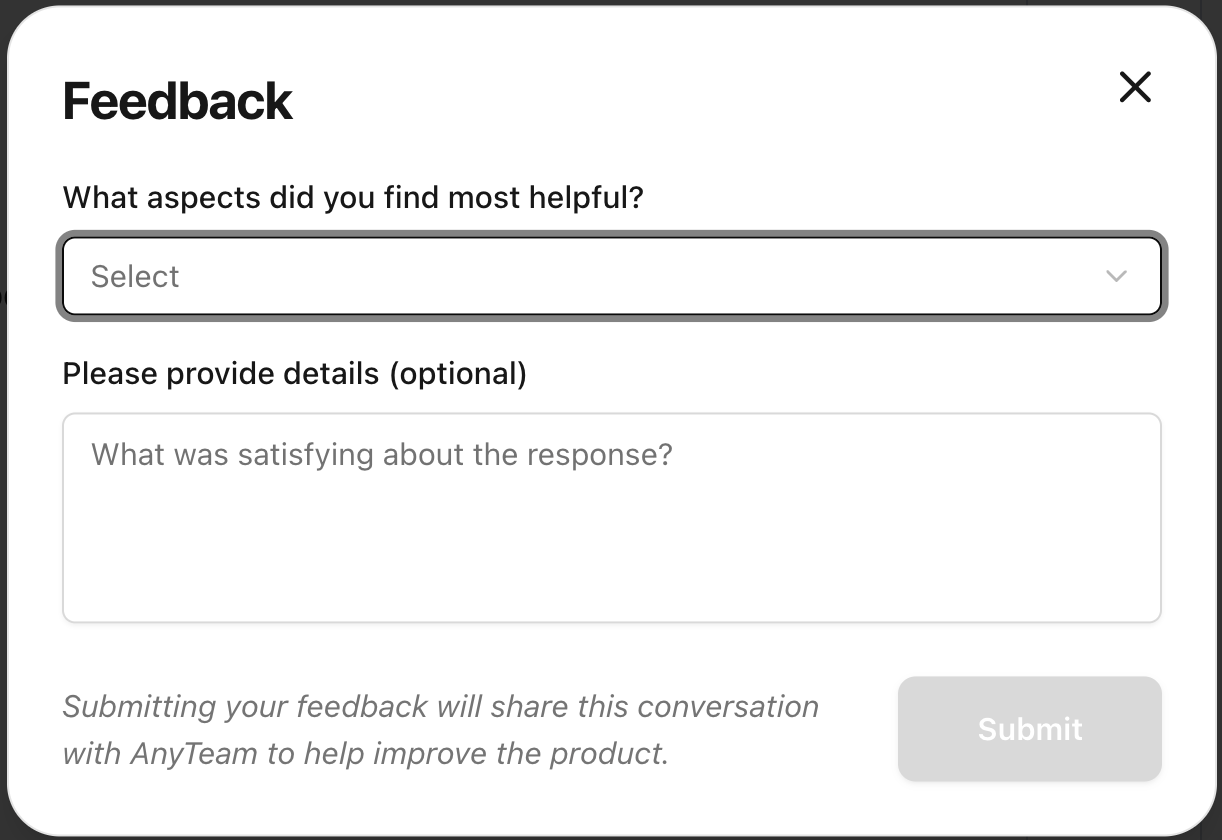
Provide feedback: Hover over the response and click Thumbs Up or Thumbs Down. A feedback popup appears where you can select options and add comments. Click Submit when you're done.

Follow links: Any links in AI responses are clickable and open in your browser.