
How to Create an Artifact
Create artifacts using /
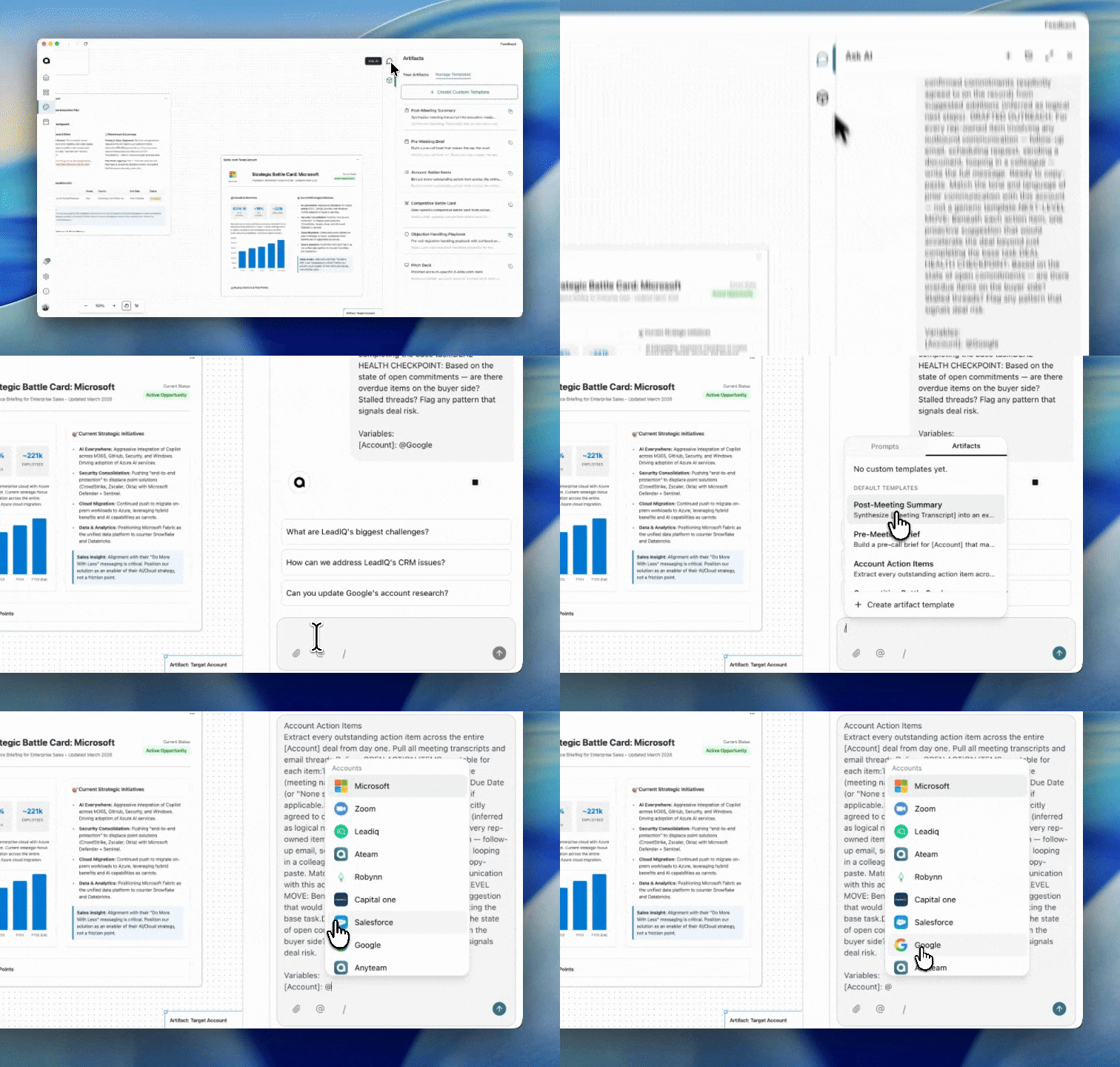
The fastest way to generate an artifact is directly from your chat. Type / to open your full template library and run any artifact in seconds — no extra steps, no leaving the conversation.
Steps:
Open any chat in AnyTeam — this works from any conversation, including during an active meeting.
Type / — your full artifact library opens instantly. You'll see your saved templates alongside AnyTeam's pre-built ones.
Search or scroll to find a template — start typing a name to filter. For example, type "follow" to find Follow-up Email.
Select it and it runs — AnyTeam pulls context from your current conversation and generates the artifact automatically.
Don't see what you need? Just describe it — close the menu and type what you want in plain language. For example: "Create an artifact that is a business case for this account." AnyTeam will build it on the fly.
💡 Tip: Artifacts generated from / are automatically saved under the Artifacts tab in Studio. You can go back and edit them any time.