
Edit an Artifact
Studio is your canvas for editing, refining, and managing any artifact AnyTeam has generated. Open any artifact in Studio to make changes without touching the chat.
Steps:
Generate an artifact — either via / or directly from chat.
Click "Open in Studio" on the artifact card — this opens the full editor in a dedicated panel.
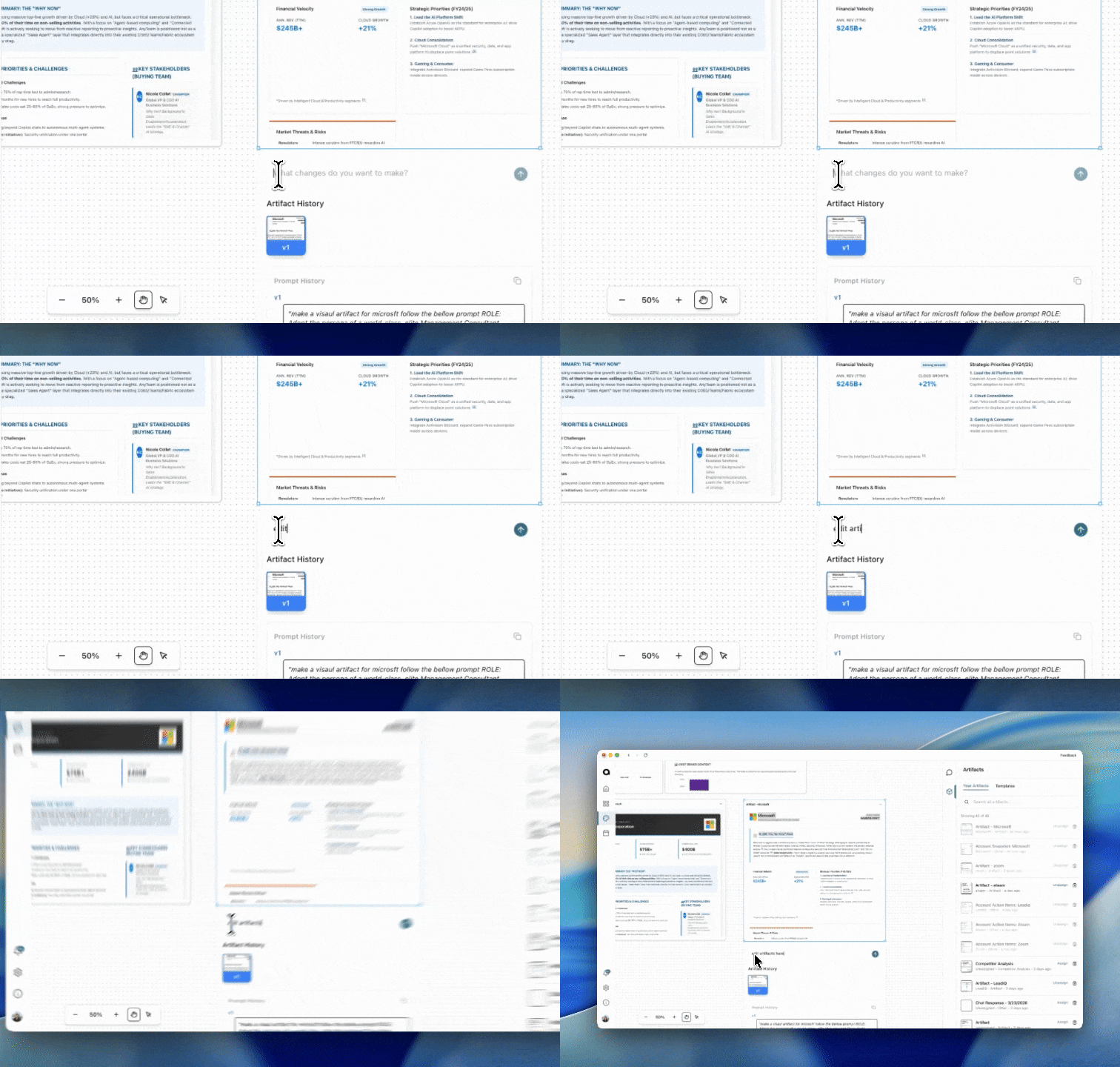
Find the input field below or beside the artifact.
Type what you want to change (e.g., "Make the value proposition more specific to healthcare").
Press Enter or click Send.
A new version generates.
View Artifact History:
Every edit creates a new version. You can view and return to previous versions.
To view version history:
Open the artifact in Studio.
Look for Artifact History (underneath the artifact once it is selected in studio).
You see a list of versions with timestamps. You can select different versions to revert back to that artifact
To see what prompt created a version:
In Artifact History, each version shows its Prompt History.
This displays the prompt(s) used to create that version.
To copy prompts:
Click the Copy icon next to an individual prompt to copy just that prompt.
Click the Copy icon at the top of Prompt History to copy all prompts for the artifact.