
What's in the Meeting Summary
The Meeting Summary page has several sections. Each section has a Copy button to copy the content to your clipboard.
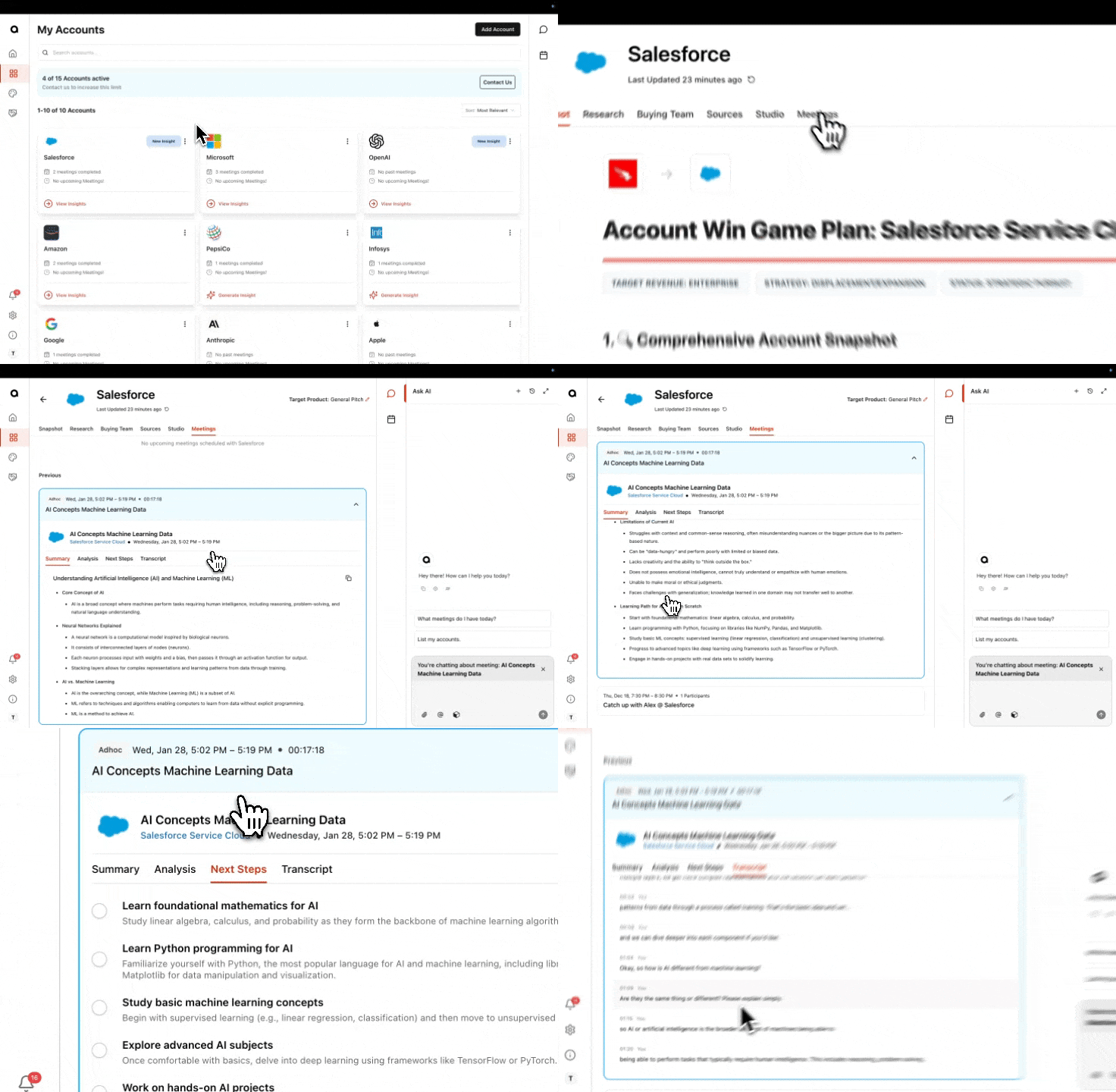
Summary
A written overview of what was discussed in the meeting.
Analysis
Overall Sentiment: A color-coded indicator showing how the meeting went (positive, neutral, negative).
Knowledge Gaps: Topics where information was missing or unclear.
Next Steps
A list of action items identified from the meeting.
Click the checkbox next to any item to mark it complete.
Transcription
The full transcript of the meeting.
Your Ask AI conversations about this meeting are also visible here. If you or a teammate used Ask AI to ask questions about the meeting, those conversations will appear in the Transcript tab so you can review what was asked and answered alongside the original transcript.
Info
Participant List: Who was in the meeting.
Talking Points: Topics that were covered.
Note: To copy any of the sections in the Post Meeting Summary, click the two square icon in the top left corner